



A transparent OLED display in landscape orientation on a white base stand, as shown in the product images. Self-emissive OLED pixels need no backlight, so dark parts of the image stay transparent and bright content appears to float in front of whatever sits behind the screen. The base stand lets it sit on a counter, plinth or display table.
Model: | OLED |

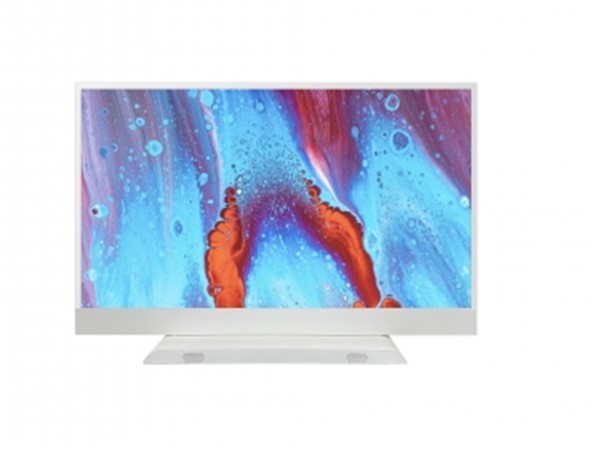
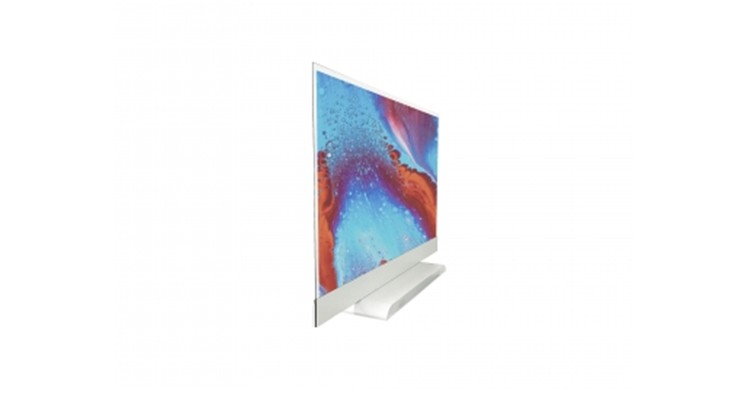
A landscape transparent OLED on a base stand turns a counter, plinth or display table into a digital showcase. Products placed behind the screen stay visible through it. Names, prices, features and animations play in the foreground, so shoppers and visitors see the real object and the story about it at the same time. Because OLED pixels emit their own light, no backlight blocks the view, and black areas of the content are see-through.
Jewellery, watch and cosmetics counters: highlight a featured item without hiding it. Electronics and appliance showrooms: overlay specifications next to the product. Museums and galleries: place interpretive graphics in front of artefacts. Hotel receptions and corporate lobbies: show welcome messages with a premium, open look. Trade shows: add a striking centrepiece on a booth table.
Design content on a black background so most of the screen stays clear, and keep text bold and bright. Light the objects behind the display so they remain visible through the panel. Allow space behind the screen for the product or scene you want to show, and position the display away from direct sunlight, which reduces the contrast of transparent content.
Panel size, resolution, transparency, brightness, player and interface options depend on the configuration. These are confirmed in a written datasheet with your quotation, so the figures match the unit delivered. Send MFG6 your application, quantity and destination to receive the full specification. For a portrait version you can move around, see the transparent OLED mobile stand. Other display options include ultra-wide commercial displays and interactive touch tables for showrooms.


Compare related models by screen format, system configuration and installation requirements. Open the individual product pages for model-specific data and contact MFG6 to confirm the combination required for your project.


